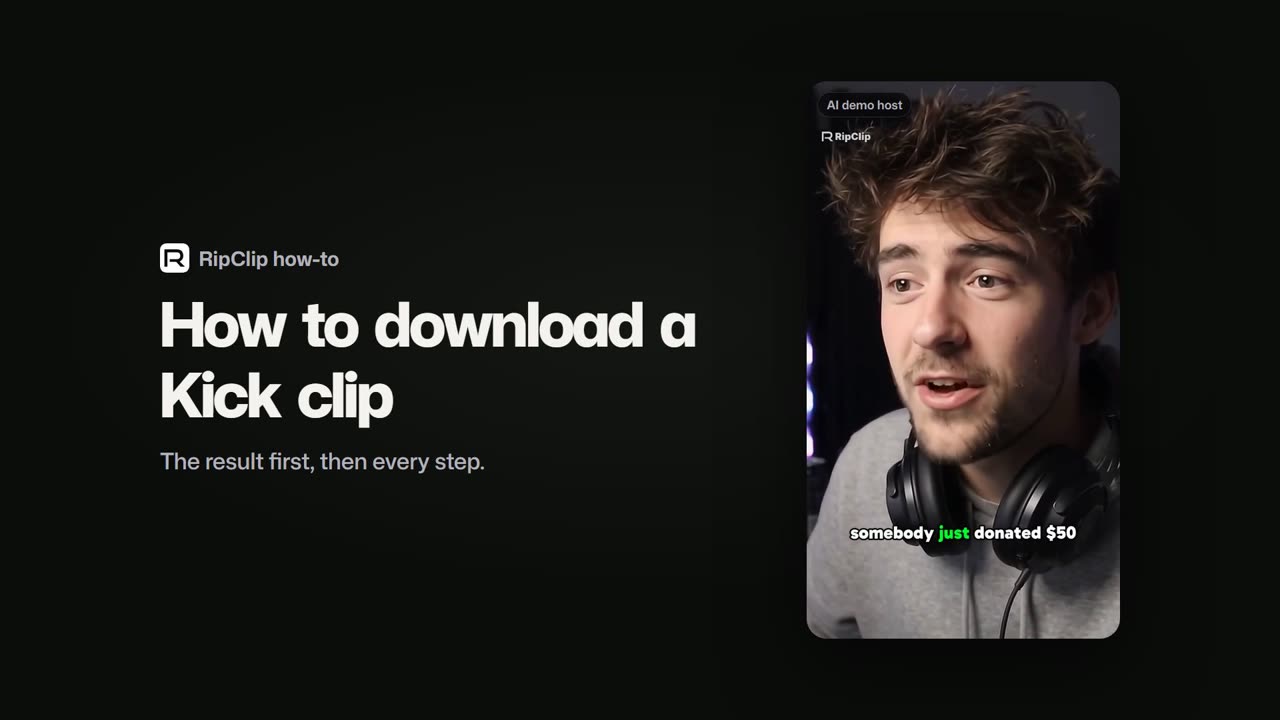
In short: paste a Kick clip link into RipClip and get the MP4. Keep the clip as it is, or make it a TikTok or Short first: RipClip frames it vertical, captions it word by word and lets you edit it before you export. It takes both Kick clip links, kick.com/channel/clips/clip_… and the share link kick.com/channel?clip=clip_….
How to download a Kick clip, in 1:03. The host is an AI demo host.
Free to start, no account needed. Sign up free to export; Free exports carry a watermark.
Download a Kick clip as an MP4
Copy the clip link from Kick: the clip's page, or the Share button.
Paste it into RipClip. The whole clip comes in; Kick clips run 10 seconds to 3 minutes.
Keep it as it is: choose the whole clip rather than finding moments, the Original shape and the "No captions" style.
Export the MP4.
Or make it a TikTok or Short first
A Kick clip is a wide 16:9 picture. TikTok, YouTube Shorts and Instagram Reels are vertical, so before you export:
Vertical 9:16, framed on the streamer, or the facecam stacked over the gameplay.
Captions word by word, in one of 1032 caption templates, every word editable.
A full editor: trim, text, music, effects, zoom and speed on a timeline.
Post it from RipClip: straight to YouTube Shorts, now or on a schedule, or to your TikTok inbox to finish in the TikTok app. Its views come back to RipClip.
RipClip is one app that clips, edits, posts and tracks.
Questions.
How do I download a Kick clip?
Paste the clip link into RipClip and export the MP4, as it is or made vertical with captions. Kick's own clip page also has a Download button that saves the clip as an .mp4, per Kick's help page.
How do I download a Kick clip for TikTok?
Paste the clip link into RipClip, keep the 9:16 shape and the captions it adds, and export the MP4. RipClip can also send it to your TikTok inbox, where you finish and post it in the TikTok app.
Is the Kick clip downloader free?
Yes. Pasting a link and editing are free with no account. Exporting needs a free account, and Free exports carry a watermark; paid plans start at $29.99 a month.
How long can a Kick clip be?
10 seconds to 3 minutes, per Kick's help page. RipClip brings the whole clip in.
Can I download a whole Kick VOD?
Paste the VOD link and RipClip clips the stream into short vertical clips with captions instead of saving the whole broadcast.
Paste a Kick or Twitch link. VODs and clips work on every plan, even before you sign up. No downloading a
4-hour file first.
A whole stream, free. The free plan's 110 HU cover a 4-hour stream, exported in 1080p. Or try one 30-minute
video without an account.
Pay for stream hours, not clips. Clip exports and edits are unlimited, and every minute costs less the
longer the stream.
A real editor, included. Keyframes, speed ramps, 628 effects, 108 transitions and 72 filters, in the
browser. The preview uses the same maths as the export.
Clip, edit, schedule, track. One calendar for TikTok, YouTube, Instagram, Facebook, Threads and X, and live
view counts on what you post.*
Long streams. 4 hours clipped at a time on Free and Creator, 8 on Pro, 12 on Studio; a link brings in the first 4, 8 or 12 hours by plan.
*YouTube Shorts and TikTok (through your TikTok inbox) are on now; Instagram, Facebook and Threads switch on once
Meta approves RipClip, and until then you download those clips and post them yourself.
 Rip